🛡️
Malware & Hacked Website
Cleanup of malware, suspicious files, spam pages, injected scripts and malicious redirects.
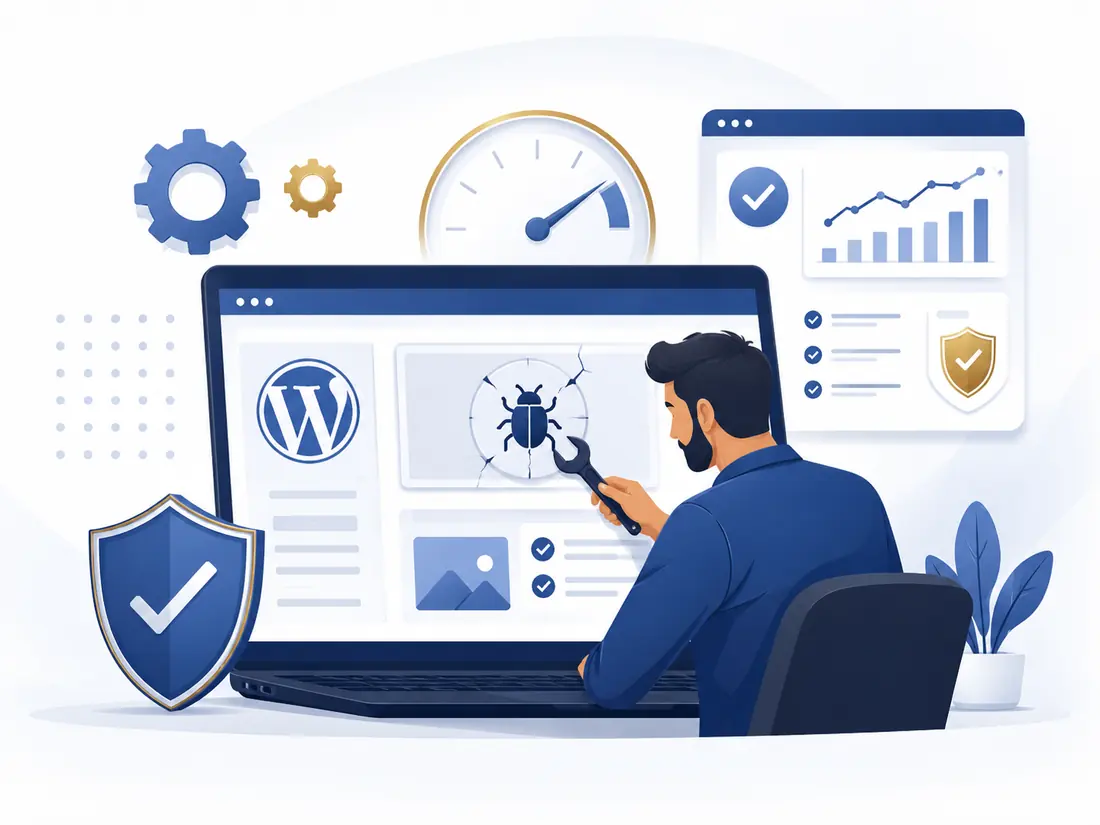
Rich Brain helps businesses and website owners in Malaysia repair hacked, broken, slow or unstable WordPress websites. We troubleshoot malware, suspicious redirects, plugin conflicts, login problems, database issues and website performance problems.
Send your website URL and a short description of the issue. We will review and advise the next step.
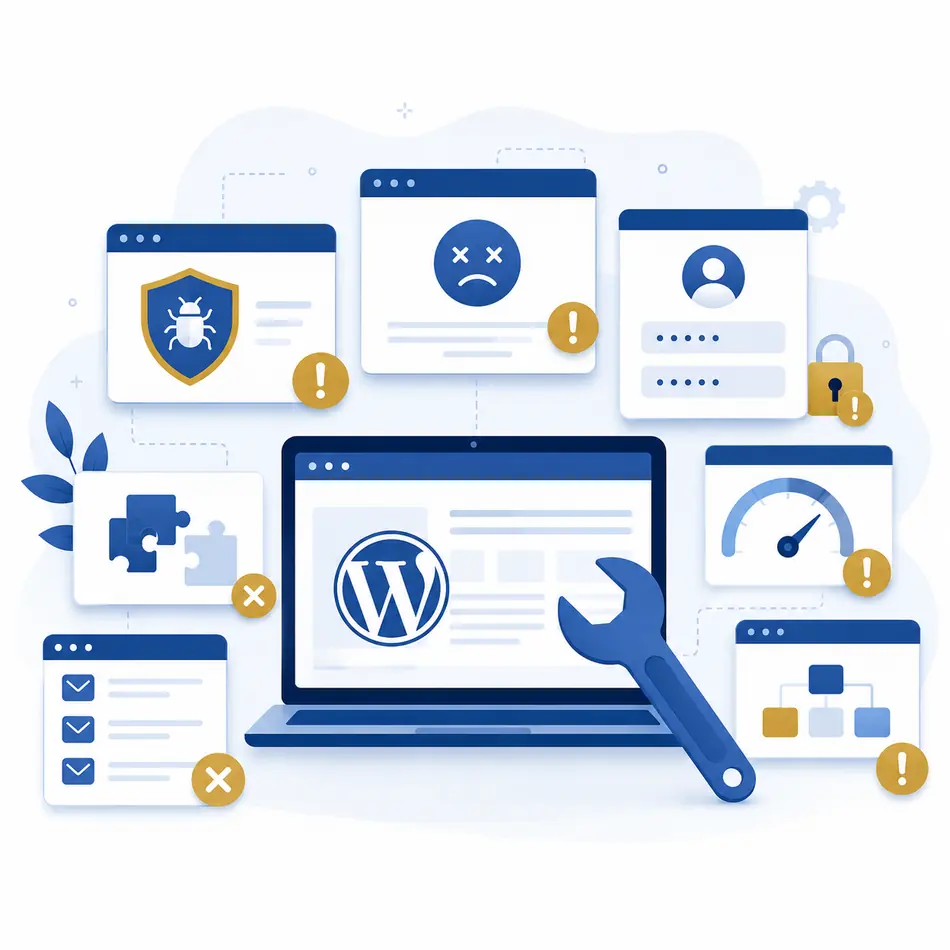
If your website is hacked, broken, inaccessible or behaving strangely, we can help identify the issue and work on the repair.
Cleanup of malware, suspicious files, spam pages, injected scripts and malicious redirects.
Fix broken admin login, reset access, investigate user issues and recover dashboard access.
Troubleshooting for blank pages, error 500, critical errors and broken site functionality.
Resolve conflicts after updates, broken layouts, missing features and compatibility issues.
Investigate performance bottlenecks and improve speed, loading time and general responsiveness.
Repair database-related issues affecting site stability, content, login or general operation.
Fix redirect loops, mixed-content problems, invalid SSL setup and URL misconfiguration.
Restore from backup, recover lost functionality and help bring the website back online safely.
This service page is designed for website owners who need practical help quickly. We focus on diagnosis, repair, cleanup and stabilisation.
The actual work depends on your issue, but these are some of the most common repair tasks we handle.
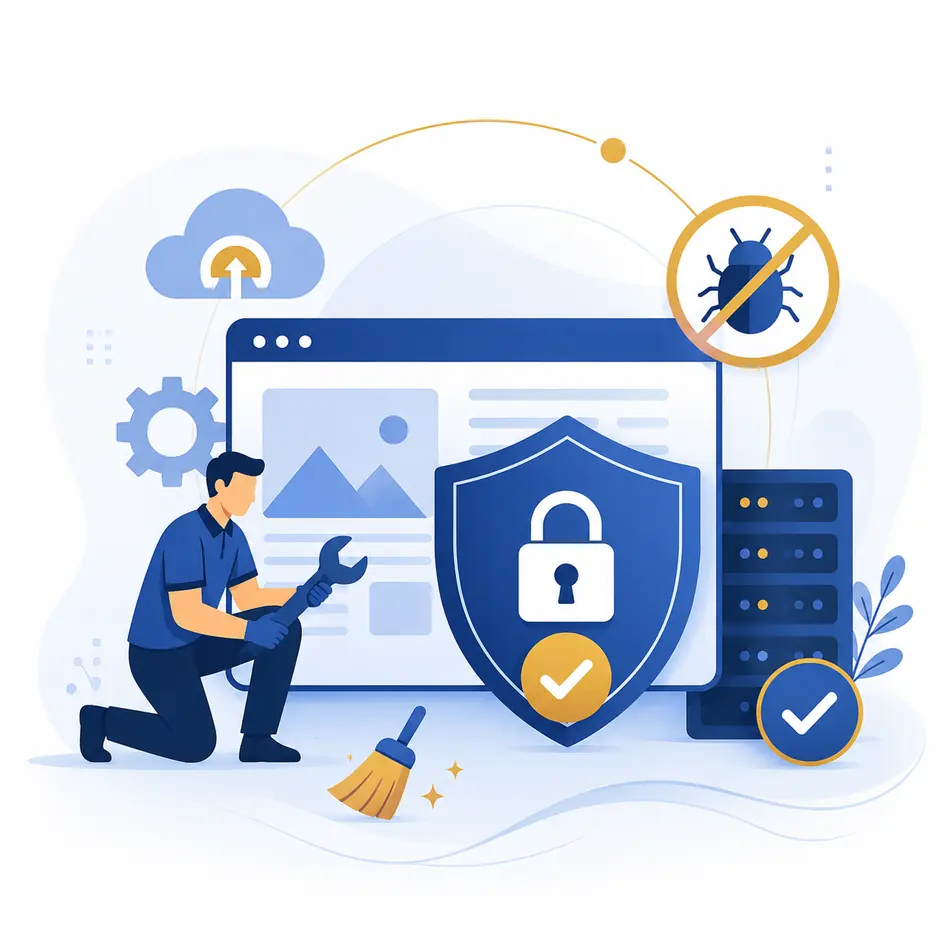
Remove suspicious files, malicious redirects, spam pages and apply basic hardening measures after cleanup.
Regain admin access, fix user permission issues and recover access when the normal login is not working.
Diagnose and fix issues caused by failed updates, incompatible plugins, broken themes or unstable configurations.
Identify common causes of slowness and improve loading speed, caching setup and general front-end performance.
Repair database-related problems, configuration issues, broken links, redirect loops and SSL-related errors.
Restore websites from backup or assist with migration-related issues when the website stops working after moving.
We combine practical IT troubleshooting with a professional service approach, so you get direct communication and a clearer path to recovery.
Experienced in business support and IT-related service work with a practical, problem-solving mindset.
We review the issue and explain the likely work scope before proceeding, where possible.
Most WordPress repair tasks can be handled remotely, making support easier and faster for clients nationwide.
We aim not only to fix the visible issue, but also reduce the chance of the same problem returning.
Quick communication makes it easier to review links, screenshots, errors and the next action needed.
We keep the process simple so you can get help without unnecessary delay.
Share the website URL, the problem you are facing and any screenshots or error messages available.
We review the issue and identify the likely cause, required access and possible work scope.
You receive a quotation or scope confirmation before the actual repair work begins.
We perform the repair, run checks and update you once the website issue is resolved or stabilised.
Helpful answers for business owners and website owners looking for WordPress repair support.
Tell us what happened and share your website link. We will review the issue and help you move forward with the repair.
Complete this form and continue your enquiry directly through WhatsApp.